
Disclaimer: This website operates independently and is not affiliated with, endorsed by, or sponsored by any of the game developers or brands mentioned in this article. The games featured offer free-to-play experiences but include optional in-app purchases and live online multiplayer features. Age ratings, specific gameplay mechanics, and overall availability may vary depending on your local region’s laws and regulations. Parental guidance is highly recommended for younger players.
Getting started in a new online shooter can feel daunting. You might not know which weapons to grab, how to level up, or where hidden rewards are lurking. Even veteran gamers can feel lost with so many options and features thrown at you from the very first minute.
That’s where Free Fire comes in—a battle royale game that balances fast action with deep progression and endless customization options. Its quick matches, fulfilling reward systems, and visual style make it impossible to put down once you learn the ropes.
This guide will help you download Free Fire, optimize your experience, score more rewards, and progress efficiently while highlighting winning strategies and insider tips only seasoned players know about.
Diving Into Free Fire: First Impressions and Core Experience
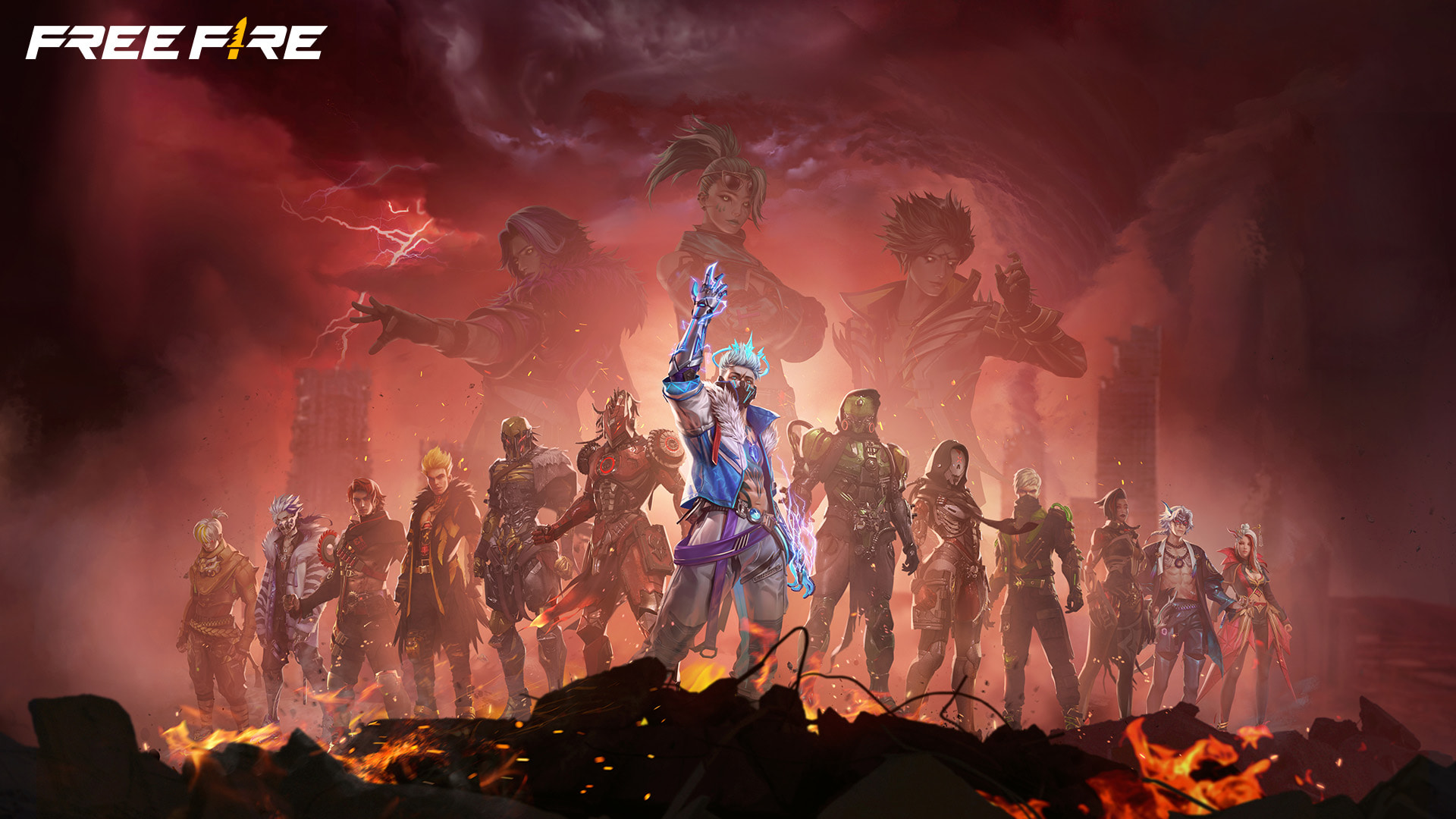
Free Fire drops you into tense battle arenas where your main goal is to outsmart and outlast every other player until you’re the last one standing. It’s fast-paced and always evolving with new updates and events.
What makes Free Fire a favorite right now is its balance between skill-based action and casual fun. The game is highly accessible, letting friends drop in for a quick battle at any time of day.
The design will instantly grab fans of vibrant, slightly over-the-top multiplayer shooters. It’s well-suited for teens and adults who enjoy friendly competition and customization through skins and characters.
Expect a moderate learning curve if you’re new to battle royale. While matches are short, each one offers layers of complexity—so settling in can require a handful of sessions.
Getting Your Device Ready: Hardware Requirements and Optimization
Before diving in, taking a moment to check your smartphone or PC’s specs can save a lot of frustration. Smooth gameplay lets you focus on strategy, not skipping frames or annoying lag.
| Component | Minimum Requirements | Recommended Requirements |
|---|---|---|
| OS | Android 4.1+ / iOS 9.0+ | Android 8.1+ / iOS 11.0+ |
| RAM | 2 GB | 4 GB or higher |
| Storage | 1.5 GB free space | 2.5 GB free space |
| Processor | Dual-core 1.2 GHz | Octa-core 2 GHz |
If you’re running low-end hardware, consider lowering your graphics in settings and closing background apps. Reducing shadows and draw distance can notably boost FPS on older devices.
Downloading and Setting Up Free Fire Safely
Always download Free Fire from the official Google Play, App Store, or PC launcher. Linking elsewhere risks malware or account compromise with fake apps or phishing scams.
Once you’re at the right place, just tap Install and wait for the download to finish. It’s usually quick thanks to the streamlined package size, especially on recent updates.
During the setup, create an account by linking a secure social login (like Google, Facebook, or Apple) or using an official Garena ID to keep progress backed up and secure.
Accept the game’s permissions—these let it save your settings, find friends, and enable notifications, all part of optimizing your experience and staying connected.

Early Game Survival: Core Priorities for New Players
The first few hours in Free Fire throw a lot at you, so it helps to have a clear focus while adjusting to the lobby, menus, and controls.
- Finish the tutorial to unlock vital features and free gear.
- Avoid dropping in densely populated areas until you get used to enemy patterns.
- Always prioritize picking up armor and a ranged weapon as soon as you land.
- Don’t ignore the mini-map; it highlights loot and incoming threats.
Don’t forget to claim your daily login bonuses. Slow down, explore the menus, and take your time finding your favorite characters and modes.
Exploring Modes: What to Play and When
Free Fire caters to every kind of gamer. Whether you’re in for a quick solo round or want to squad up, there’s a game mode for you.
| Game Mode | Main Objective | Best For |
|---|---|---|
| Classic Battle Royale | Be the last player or team alive | XP farming, learning maps |
| Clash Squad | Best-of-seven team shootout | Quick games, tactical play |
| Special Events | Limited-time rule sets and rewards | Unique skins, event tokens |
Rotate between modes to learn all weapon types, develop map knowledge, and keep XP gains steady without getting burnt out on one playstyle.
Leveling Up: Advanced Strategies for Victory
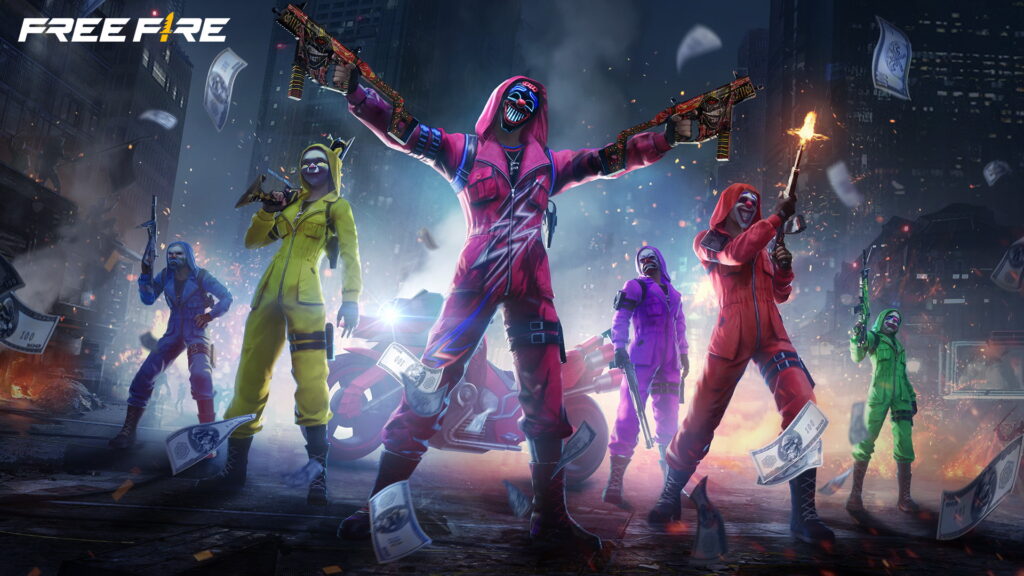
Elevate your play by mastering advanced tactics like holding the high ground, flanking distracted enemies, and predicting safe zone movements for late circles.
Watch out for common meta strategies—like aggressive early pushes or camping near rare loot—and develop counters. Sometimes a defensive playstyle works best if a lobby is chaotic.
Patch notes bring balance changes and shake up tactics. Staying up-to-date helps you choose the best weapons, counter new characters, and adapt your loadouts accordingly.
Dedicate time in training grounds for aim practice. Regular target drills or movement-based training let you outgun even higher-level opponents and win crucial one-on-one fights.
Smart Ways to Earn Free Rewards
Farming in-game currency and rewards is a big part of Free Fire’s appeal. There are plenty of ways to earn coins and diamonds with zero real-money investment.
- Complete daily missions and login streaks for easy cash and spins.
- Check the in-game event calendar for seasonal events and limited-time rewards.
- Refer friends using official invite codes for bonus loot crates and unlockables.
- Redeem promo codes released during livestreams and partnerships for rare skins and characters.
Daily engagement matters. Logging in just five minutes a day will keep rewards coming and help you progress much faster.
Avoiding Common Resource Traps: Spending Wisely
Managing currency is key—early mistakes with diamonds or coins can slow progress or lock you out of better upgrades down the road.
- Prioritize upgrading characters’ core skills for long-term benefit.
- Buy permanent weapon upgrades over one-off loot crates.
- Avoid spending premium currency on basic cosmetic items—wait for useful bundles or limited-time events.
Always save a stash of currency for special events and discounts, when the most valuable deals appear for a limited time.
Squad Up: Friends and Communication in Free Fire
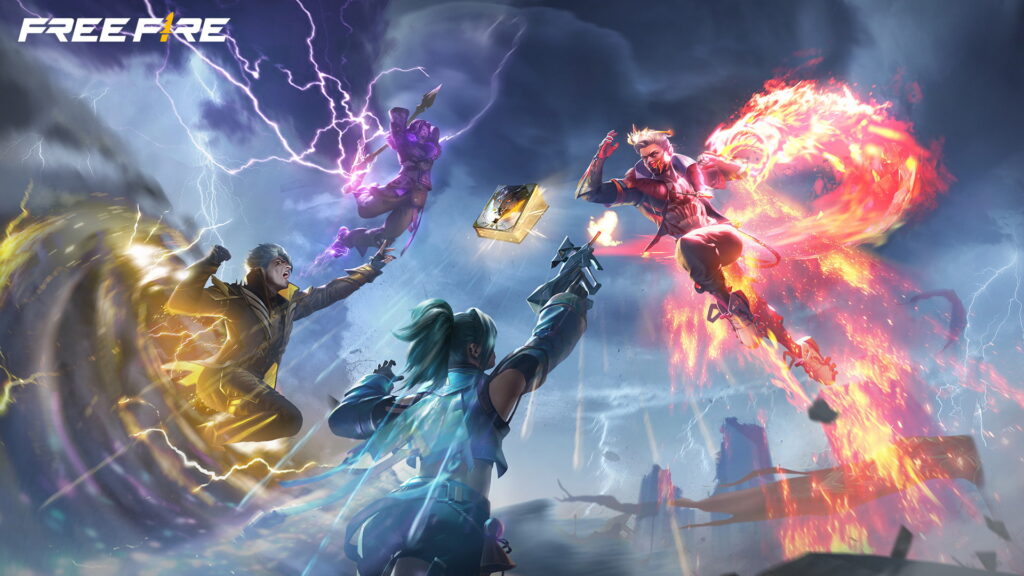
Adding friends is easy with in-game search or quick-invite after matches. Being social opens up more possibilities for team play and coordination.
Joining a clan or guild comes with perks like exclusive event access, extra daily missions, and a coordinated community focused on progression and rewards together.
Use voice chat or ping systems in-game to call shots, alert allies to danger, or request backup. Parental controls and filters keep team comms respectful and safe for everyone.
Winning becomes easier with a regular squad. Sharing tactics, covering each other’s blind spots, and learning preferred roles lead to more victories compared to solo queue.
Final Thoughts: Who Should Play Free Fire?
Free Fire delivers exciting, bite-sized action for casual players and deep strategy for the highly competitive. Its accessible controls, slick reward structure, and constant events make it compelling day after day.
| Pros | Cons |
|---|---|
| Quick matches on almost any device | Occasional connectivity issues for slow networks |
| Huge variety of characters and customization options | In-app purchases can offer minor advantages |
| Frequent updates, new content, and rewards | Can be hard to keep up for arrival of new players |
If you like fast-paced gameplay, crisp shooting, and a flexible progression system, you’ll find plenty to love here. Think safety first: avoid sharing login details, and double-check downloads always come from authentic platforms.
General Gaming & Safety Disclaimer:
- Independent Publisher: This website is an independent platform and has no official affiliation, partnership, or sponsorship with the creators, publishers, or trademark holders of the games discussed. All trademarks, logos, and copyrights belong to their respective owners.
- In-App Purchases & Monetization: The titles mentioned in this guide feature microtransactions and may include randomized virtual items (such as loot boxes). Please ensure your device’s parental controls are active to prevent unauthorized or accidental spending.
- Regional Compliance: Due to varying local regulations regarding digital content, online gaming, and virtual economies worldwide, certain in-game events, communication features, or monetization methods may be restricted, modified, or unavailable in your specific location.
- Online Safety: These games contain public chat rooms and live multiplayer environments. We strongly advise all players, especially minors, to never share personal information, passwords, or location details online.
- Healthy Gaming Habits: Always remember to take regular breaks, manage screen time effectively, and prioritize your digital well-being.